
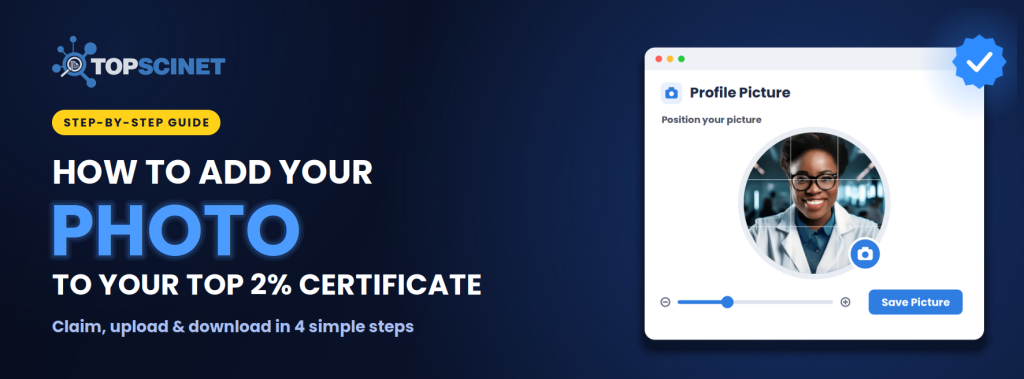

Your Top 2% Scientist certificate looks far more personal with your own photo on it. Adding one on TOPSCINET takes a few minutes, and it’s free if your name is on the Top 2% list.
Prefer to watch? [Watch the 2-minute video tutorial]
Before you start
The option to add a photo only appears after you’ve claimed your profile and your claim has been approved. If you haven’t done that yet, follow Steps 1 and 2 first. [See our full guide to claiming your profile](link).
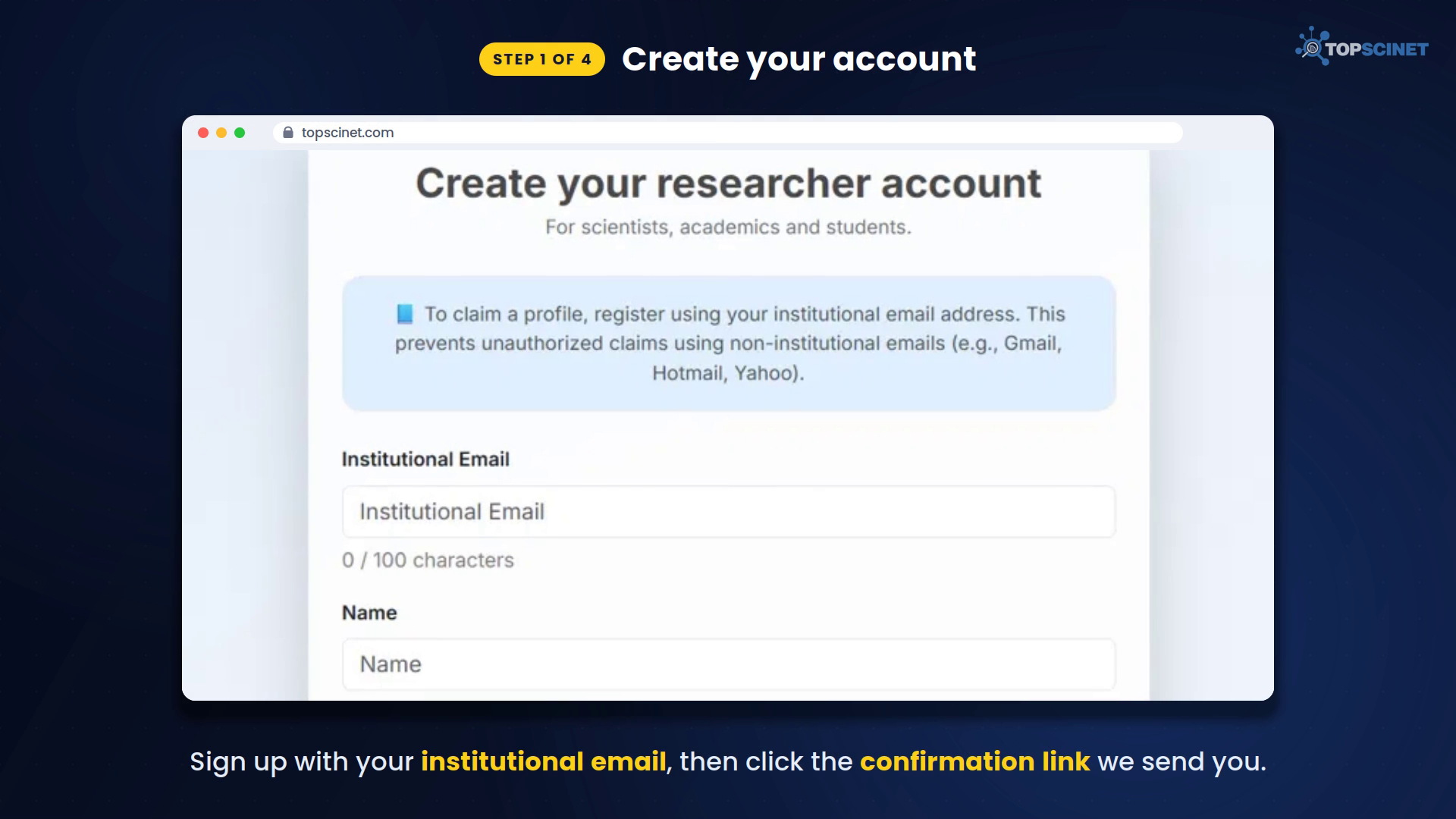
Step 1: Create your account
Go to topscinet.com and sign up with your institutional email address, meaning your university or research institute email. Gmail, Hotmail, and Yahoo addresses can’t be used to claim a profile. Then click the confirmation link in the email we send you.
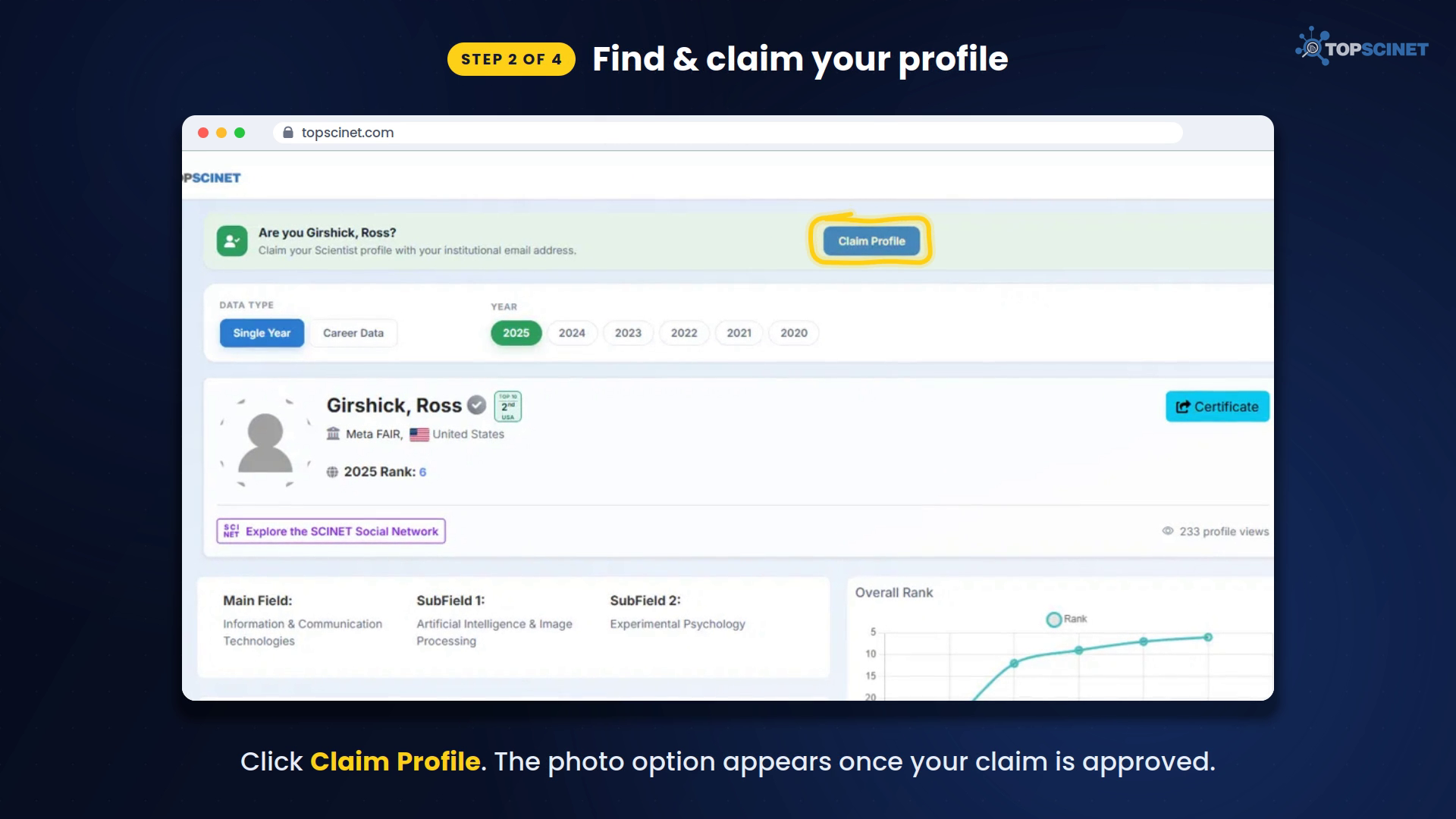
Step 2: Find and claim your profile
Log in and search for your name. Open your own entry and click Claim Profile in the banner at the top of the page.
Our team checks every claim by hand, so approval can take a little time. Once your claim is approved, the photo option is unlocked.
Step 3: Upload and position your photo
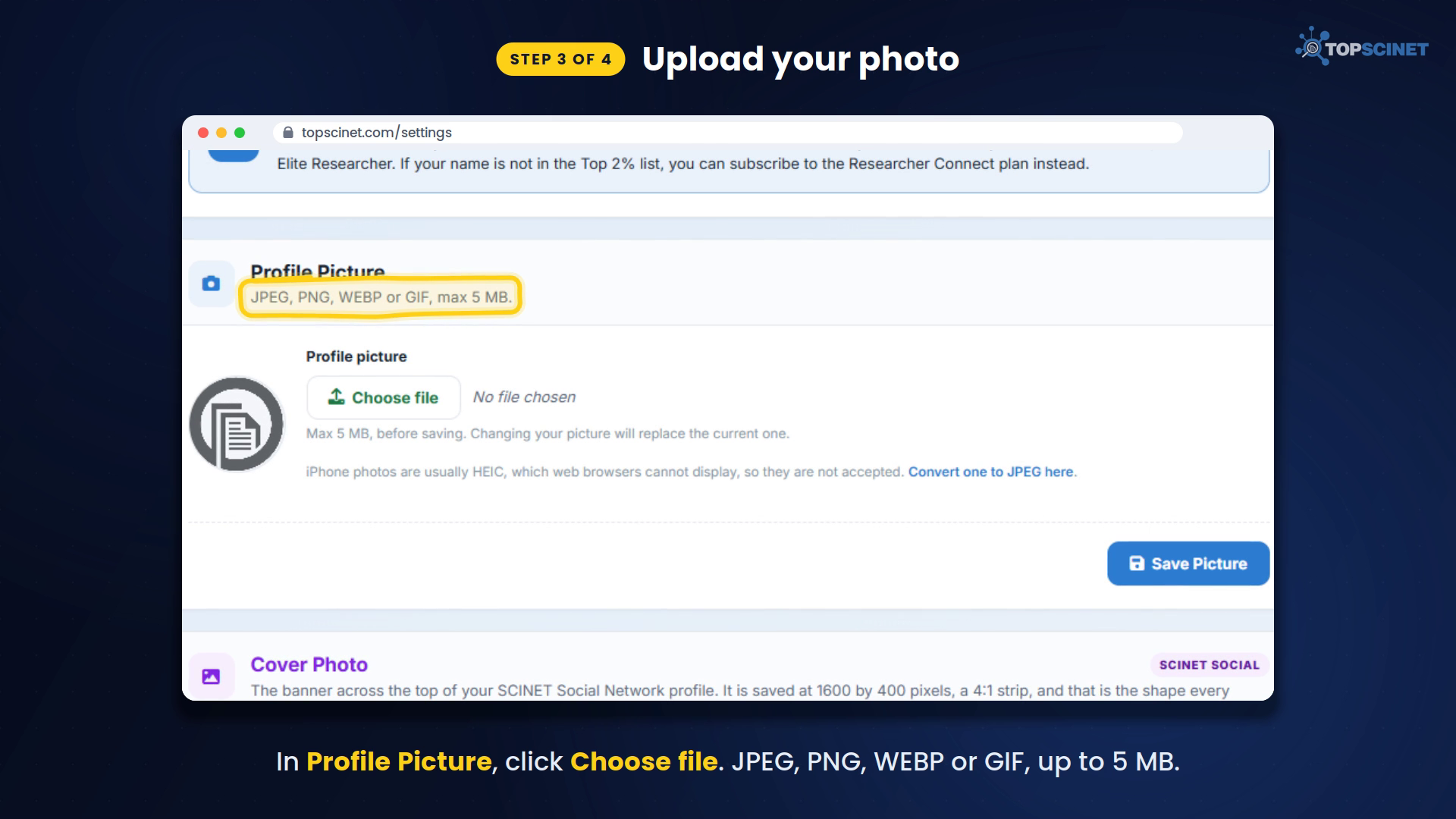
- Open the menu in the top-right corner and click Settings.
- In the Profile Picture section, click Choose file and pick your photo. JPEG, PNG, WEBP or GIF files are accepted, up to 5 MB.
- A Position your picture screen appears. Drag the photo to center your face and use the slider to zoom in or out. Everything inside the circle is what others will see.
- Click Save Picture. You’ll see a message confirming that your profile picture was updated.
Tip: iPhone photos are often saved as HEIC, which browsers can’t display. Convert the photo to JPEG first: https://topsci.net/tools/image-format-converter
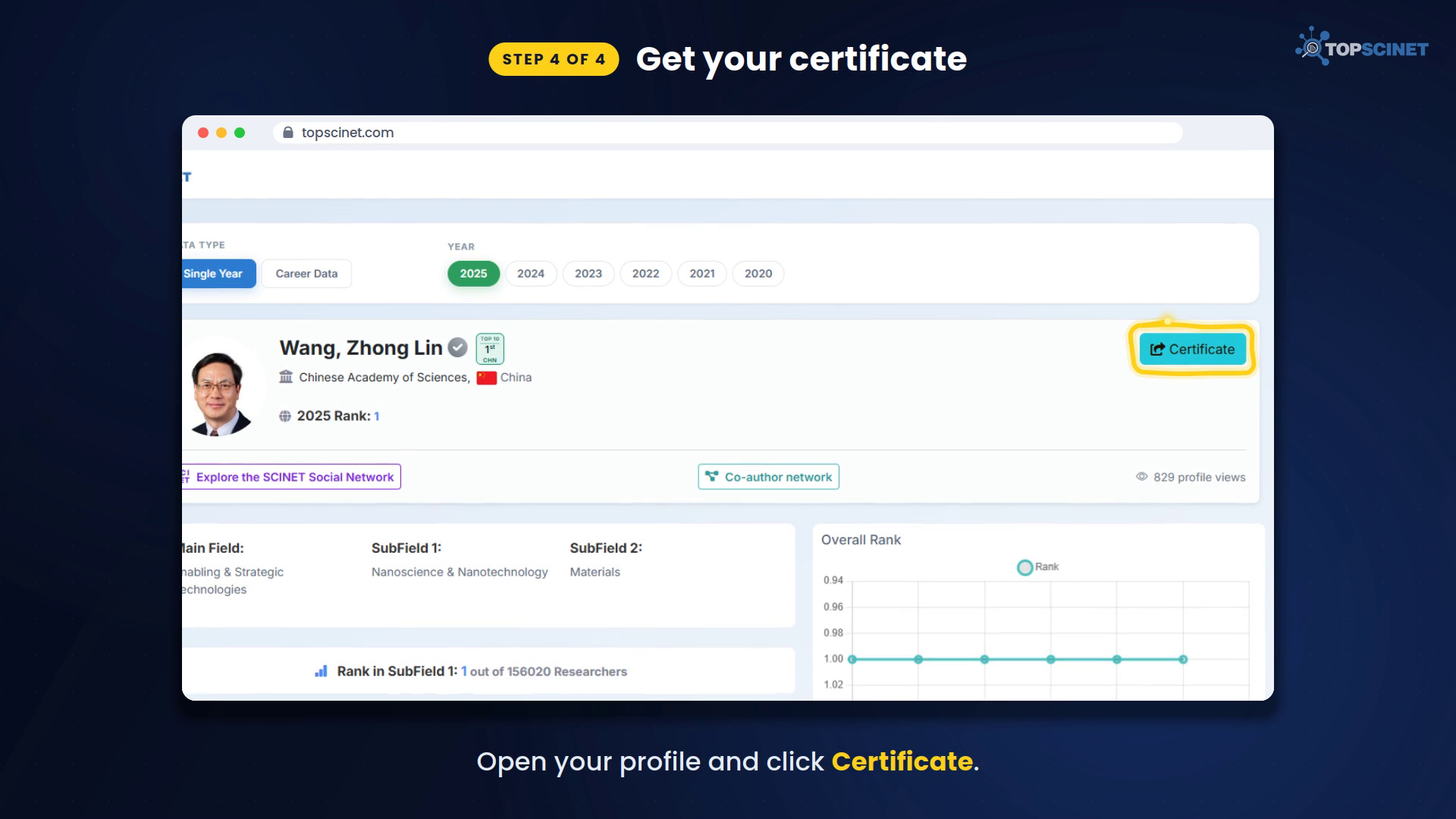
Step 4: Download your certificate
Open your profile and click Certificate. Your photo now appears on your certificate, ready to download and share.
One photo, everywhere
The photo you upload also appears on:
- your Top 2% profile
- your SCINET Social profile
Only you, as the verified owner, can change it.
Is it free?
- Your name is on the Top 2% list: claiming your profile and adding your photo is completely free.
- Your name isn’t on the list: you can subscribe to the Researcher Connect plan to add a photo to your SciNet Social profile.
Quick FAQ
Why can’t I see the Profile Picture option?
Your profile claim hasn’t been approved yet. The option appears once it is.
Can I change my photo later?
Yes. Go back to Settings, upload a new picture, and save it.
What size should my photo be?
Any JPEG, PNG, WEBP or GIF up to 5 MB. A clear, front-facing photo works best in the circular frame.
For additional help, watch this tutorial video on YOUTUBE: How to Add Your Photo to Your Top 2% Scientist Certificate.
Searchable Database for Top 2% Scientists
Visit TOPSCINET.com
If your name appears in the search results, claim your profile using your institutional email to update your social media links and enhance your online presence.