If you are the official representative of a university or institute, you can claim your institution profile on TOPSCINET to manage and update its institutional records.
Step 1: Go to the registration page
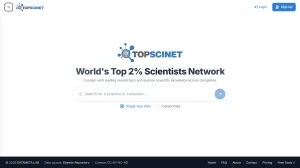
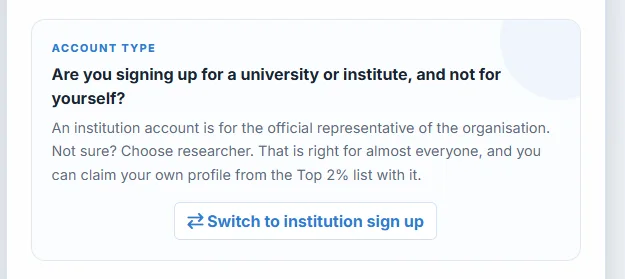
Visit the TOPSCINET registration page. At the bottom, click “Switch to institute” to create an institutional account instead of a personal account.
Step 2: Verify your email and log in
Complete the email verification step, then log in to your account.
Step 3: Search for your institution
Once you are signed in, search for your university or institute name. When you find the correct institution, click “Claim.”
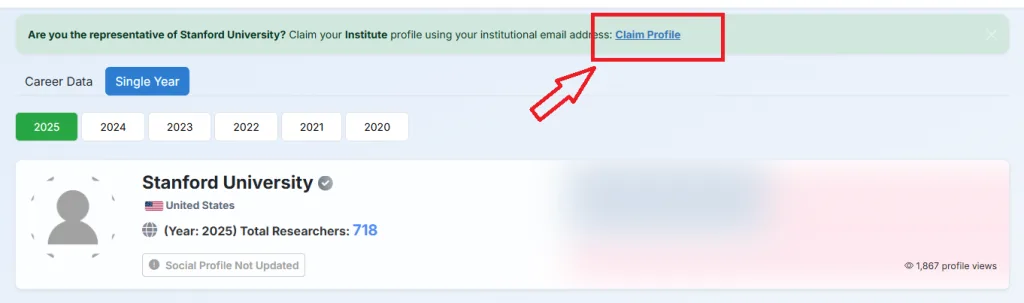
Step 4: Read the claim information carefully
Before continuing, please read the claim notice carefully. Claiming an institution is a serious step. You will be publicly responsible for the institution profile, and you will be able to change institutional records for the researchers listed under that institution.
If your claim is rejected, you will have 7 days to correct and resubmit it. If you do not, the claim will close, and 295 US dollars will be returned to you. The remaining 125 US dollars is not refundable because it covers the review and payment processing fee.
Step 5: Continue to payment
After reading and accepting the terms, click “Continue to payment” and complete the payment process.
Step 6: Fill out the evidence form
After payment, the form will unlock. You will need to provide:
- Links showing your role at the institution.
- A contact email for the institution profile.
- A letter of authorization, if you are acting on behalf of the head of the institution.
- A confirmation that you accept responsibility and are authorised to represent the institution.
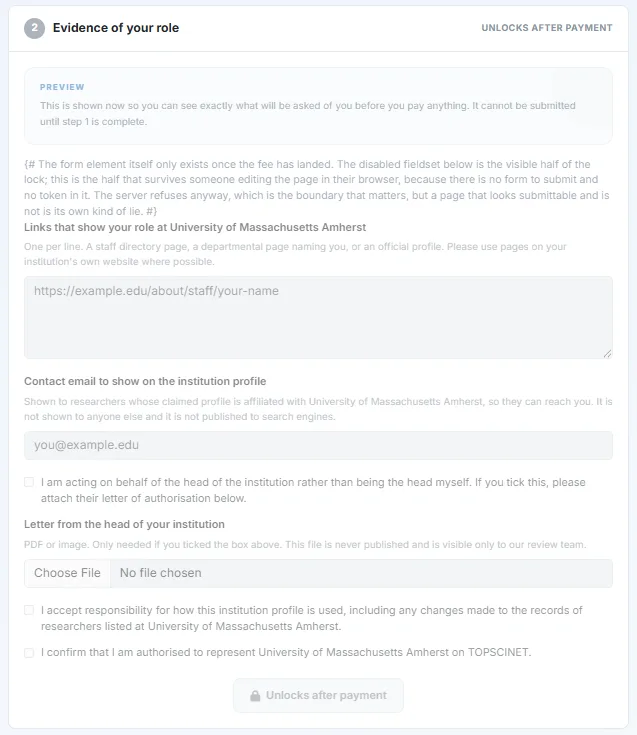
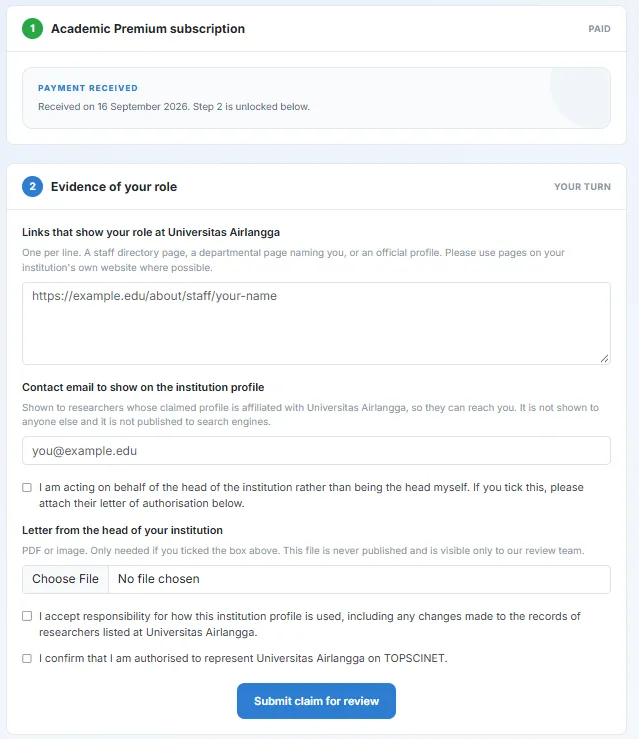
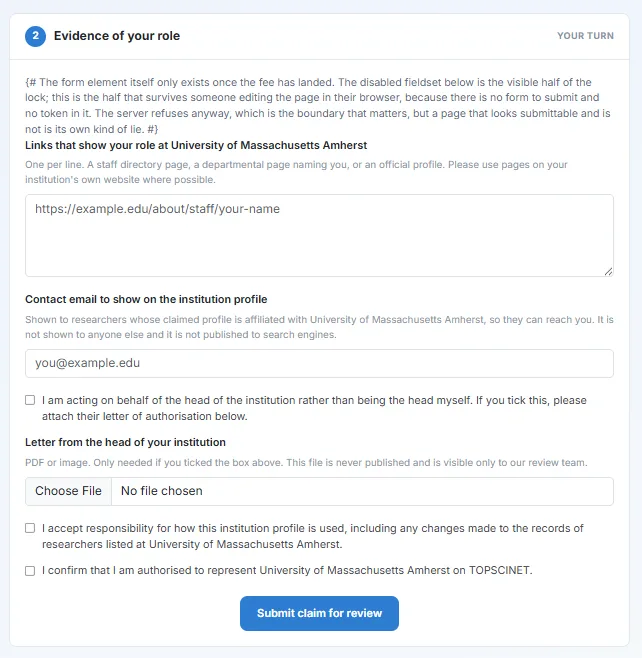
Step 7: Submit for review
Once the form is completed, submit your claim for review. The TOPSCINET team will manually review the submission and notify you by email with the decision.
Searchable Database for Top 2% Scientists
Visit TOPSCINET.com
If your name appears in the search results, claim your profile using your institutional email to update your social media links and enhance your online presence.